A Calm Guide to App Store Privacy Settings
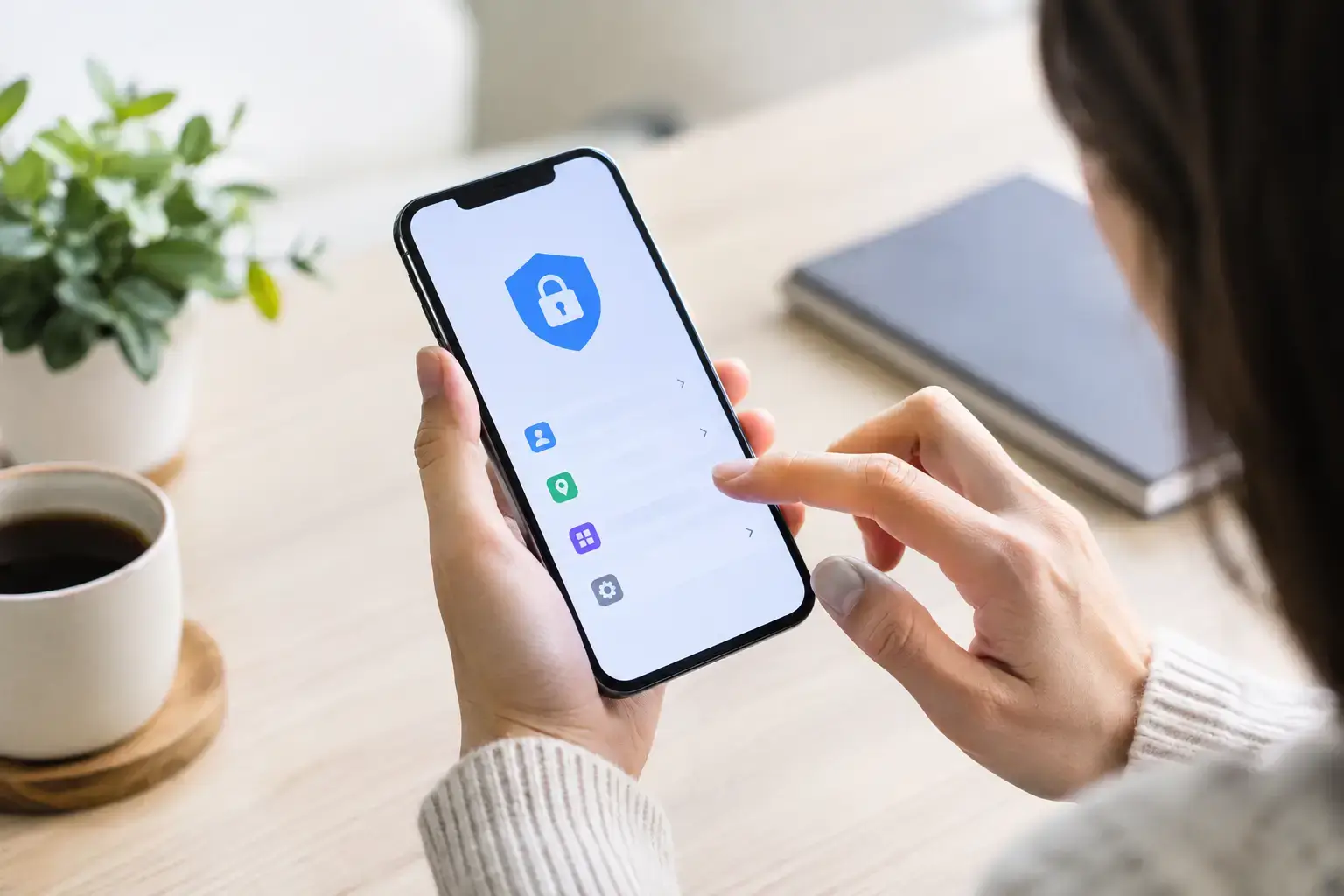
Before you tap Get, take a moment to look beneath the screenshots. A game can have lovely colours, a satisfying first tap and a bright gap in the day, yet still ask for more information than its play needs. This guide to App Store privacy is for choosing iPhone and iPad games with a little more care, without turning a quiet download into homework.
Privacy is not a badge that an app either has or has not. It is a set of choices: what an app collects, why it collects it, where that information goes, and which permissions you give it on your own device. A useful check takes less than a minute once you know where to look.
Start with the App Store privacy label
On an app’s App Store page, scroll below the description and ratings to the App Privacy section. Apple presents a short label here, supplied by the developer, which describes how the app may handle data. It is a good first sketch of an app’s footprint, especially when you are comparing several games.
The label generally separates information into three ideas: data used to track you, data linked to you, and data not linked to you. These phrases sound similar, but they describe different things.
Data used to track you is the clearest signal to pause and consider. It can include information shared with other companies or used to follow your activity across apps and websites, often for advertising or measurement. That does not automatically make a game unsafe, but it may be at odds with a calm, self-contained experience.
Data linked to you means information may be connected to your identity or account. An email address used for sign-in, purchase history, user content or diagnostic information can sit here. The reason matters. A creative app that saves your work to an account has a different need from a one-touch arcade game that works perfectly without one.
Data not linked to you can still be collected, but is not intended to be tied to your identity. Anonymous crash reports are a common example. This can help a small developer find a stubborn bug, particularly after a new version of iOS, while revealing much less about the person playing.
Treat the label as a starting point rather than a final verdict. It is a declaration of possible practices, not a live record of every action the app took on your phone this afternoon. Read it alongside the app description, the developer’s privacy policy and the permissions requested after installation.
Use this guide to App Store privacy with context
A completely empty privacy label is not always better, and a longer one is not always a reason to walk away. It depends on what the app is trying to do.
A word puzzle that stores your streak only on your device may have very little reason to collect data. A multiplayer game needs a way to identify players, prevent abuse and carry a match between devices. A drawing app might need access to your photo library if you choose to import an image. The useful question is simple: does the data practice make sense for the feature being offered?
Look for a clear connection between the game and the request. If a game promises offline play, immediate sessions and no account, broad tracking or a long list of identifiers deserves a closer look. If it offers cloud saves, leaderboards or optional online events, some account-related information may be a fair exchange for those features.
Independent games can be especially easy to assess because their purpose is often narrow and clear. Still, studio size is not a privacy guarantee. Read the label, not just the logo.
Check permissions when the app asks
The App Store label tells you about data handling. Permissions control what an app can reach on your iPhone or iPad. A permission prompt should appear at the moment it is needed, with enough context for you to make a sensible choice.
For many casual games, no permission is needed at all. A shape game can live happily in its own small space. If an app asks for something, consider whether the interaction explains it. Camera access makes sense for an augmented-reality toy. Microphone access can make sense for a music or voice game. Access to photos can be useful for a personal collage or drawing tool.
Location, contacts, Bluetooth and local network access need more scrutiny. Some features genuinely rely on them, but a quiet puzzle rarely does. You can decline a permission and see whether the core game still works. If it does not, the app should explain the limitation plainly rather than leaving you at a blocked screen.
You can change your mind later. Open Settings on your device, find the app in the list, and review the permissions it has been given. This is useful after trying a new feature, or when an app has changed direction through an update.
Decide how you feel about tracking
Apple’s tracking permission is separate from ordinary app permissions. When an app asks whether it can track your activity across other companies’ apps and websites, you can ask it not to. Choosing Ask App Not to Track should not prevent a well-made single-player game from being enjoyable.
Some developers use advertising to fund free games, and advertising systems often depend on measurement. That is a real trade-off, particularly for small teams trying to support ongoing work. But it is reasonable to prefer a paid game, a straightforward in-app purchase or a game with no personalised advertising if you want less of your activity travelling beyond the app.
On iPhone and iPad, you can review the wider setting in Settings under Privacy & Security, then Tracking. Turning off the option that allows apps to request tracking permission means new apps cannot ask in the first place. It is a personal preference, not a test you must pass. The point is to make the choice visible.
Read the privacy policy for the details that matter
Privacy policies are rarely written for leisurely reading, but you do not need to absorb every clause. Search within the page for a few practical terms: advertising, analytics, account, deletion, sharing, retention and children.
You are looking for clear answers. Does the developer use analytics, and what is it for? Does information go to third-party services? Can you delete an account if you make one? How long are records kept? Is there a contact address for a question or request?
Plain language is a good sign. A policy can be legally careful while still explaining what happens in ordinary terms. Vague phrases such as sharing information with partners may warrant more caution, particularly if the game itself is simple. A thoughtful app should not make its data practices harder to understand than its controls.
Keep your device settings tidy
Privacy is also shaped by the settings around the App Store. If children use a shared iPad, Screen Time can help manage purchases, age ratings and content restrictions. Family Sharing may make purchases easier to manage across a household, although each person should still have their own Apple Account rather than sharing passwords.
Review subscriptions from time to time, especially after trying free trials. A subscription is not a privacy problem by itself, but knowing what is active keeps the relationship with an app clear. It also helps to install updates, as developers may fix security issues, clarify data practices or reduce permissions over time.
If you no longer use a game, deleting it removes it from your device, but it may not delete an account or data held by the developer. For an app with sign-in, check its account settings or privacy policy for deletion instructions. For a small offline game with no account, removal is usually much simpler.
Choose the kind of experience you want
The privacy-friendly choice is often also the calmer one: a game that explains itself quickly, respects a short session and lets you play without building a profile around every tap. That does not mean every game must be offline or stripped of social features. It means the feature and the data exchange should feel proportionate.
A few seconds spent reading an App Store label can make the next download feel more deliberate. Choose games whose requests fit their shape, keep permissions close to the moments they serve, and leave room for play to be just play.